Master Your
Digital Networking.
Become a ClickVCard expert in minutes. From setting up your profile to advanced tracking, we've got you covered.
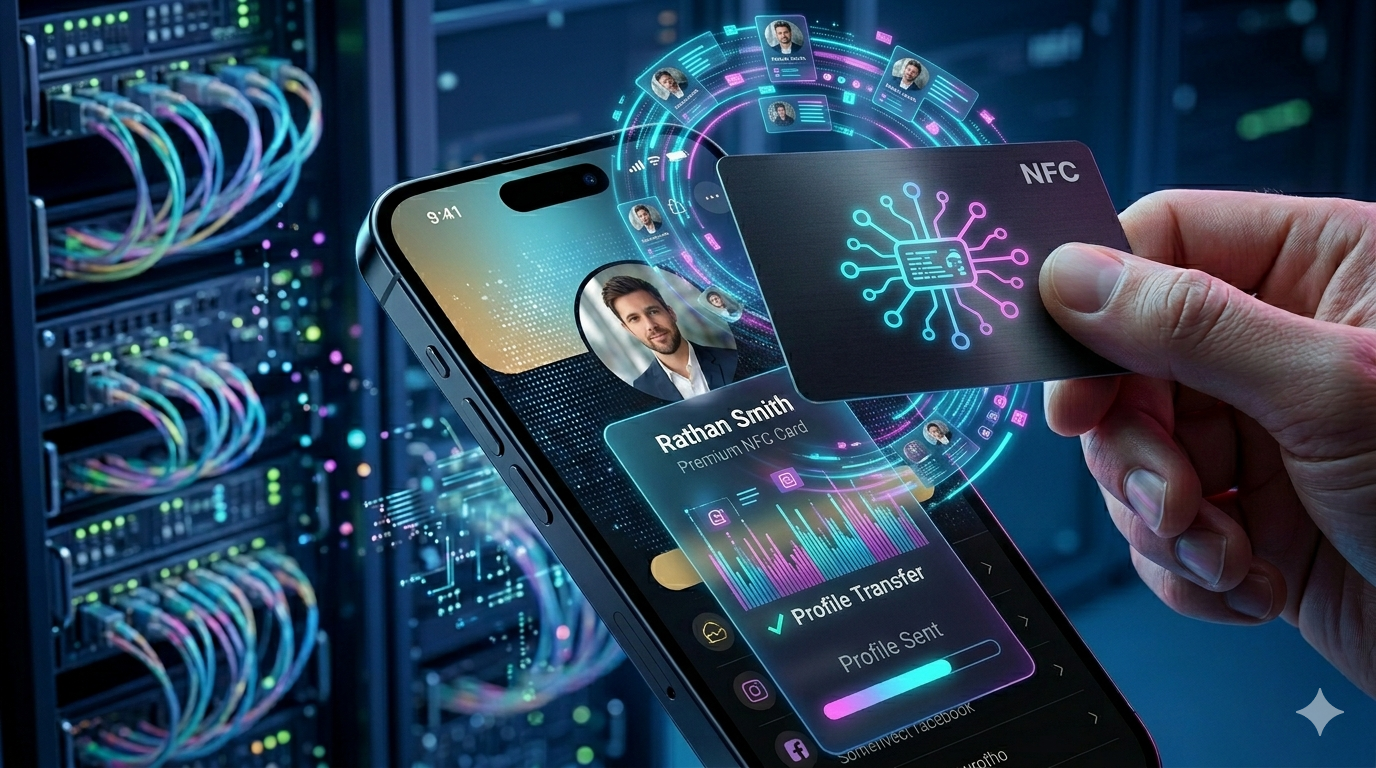
Step-by-Step Video Tutorials
Watch our guides to master every feature of ClickVCard.

Getting Started
Learn how to set up your account and activate your first NFC card.

Profile Customization
Personalize your digital card with branding, social links, and media.

Advanced Analytics
Understand how to track your card performance and engagement metrics.
The Quick Setup Process
Follow these 5 steps to transform your networking experience.
Get Your NFC Card
Choose from our premium PVC or Google Review collections. Each card comes with a lifetime warranty and high-performance NTAG213 chips.
Secure Login
Access your dashboard via app.clickvcard.com. Your data is encrypted and stored securely in the cloud.
Personalize Profile
Add your contact info, social links, logo, and business description. Updates are instant and reflected on your card immediately.
Tap to Share
Simply tap your card on any NFC-enabled smartphone. No apps required for the receiver—your profile opens natively.
Analyze Success
Monitor your tap analytics to see which links are clicked and which events are driving the most engagement.
Universal
Compatibility
ClickVCard works with virtually all modern smartphones. If a phone lacks NFC, our dynamic QR code has you covered.
Apple
iPhone 7 & Newer
Android
Majority 2017+ Phones
Quick Troubleshooting
Common solutions to get you tapping in seconds.
NFC Not Responsive?
Ensure NFC is enabled in your phone settings. Android users can check in Settings > Connected Devices. iPhone 7 and newer have it enabled by default.
Use the QR Backup
For older smartphones that don't support NFC, simply use your camera app to scan the Dynamic QR Code printed on the back of your card.
Check Tap Location
Tap location varies: iPhones tap at the very top edge. Android devices usually tap in the center of the back. Move the card slowly.